Talk to Your AI Tutor
Just talk. Ask a question, cut in when you're lost, or say "I don't get it", and Polar explains it another way.
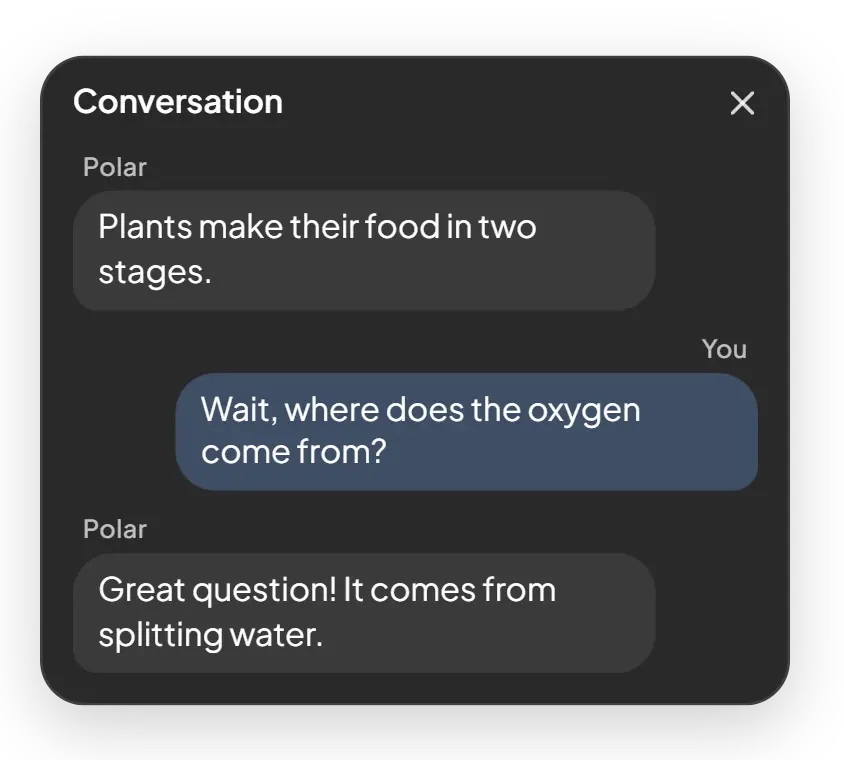
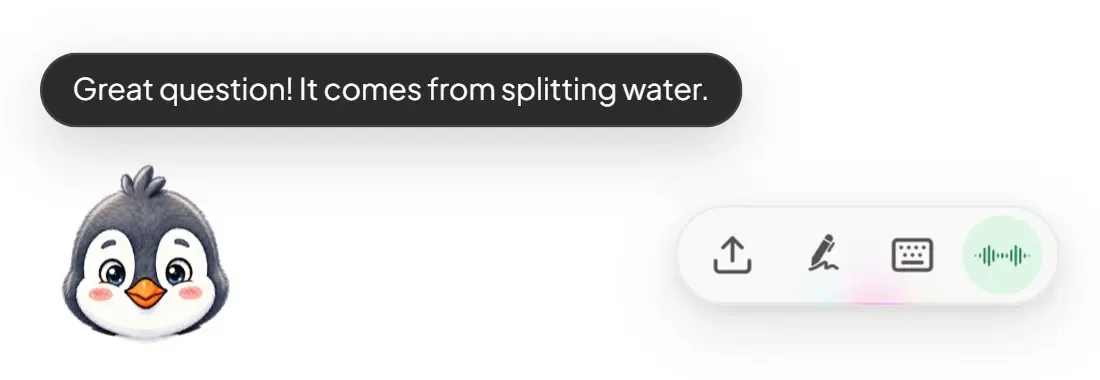
Bring your homework question and Polar guides you to the answer, one step at a time, out loud or in text.
Try for Free























Talk it through, watch each step on the whiteboard and solve it yourself: homework help that leaves you able to do the next one.
Just talk. Ask a question, cut in when you're lost, or say "I don't get it", and Polar explains it another way.
Watch your tutor write, solve problems, draw diagrams, and highlight each important step.
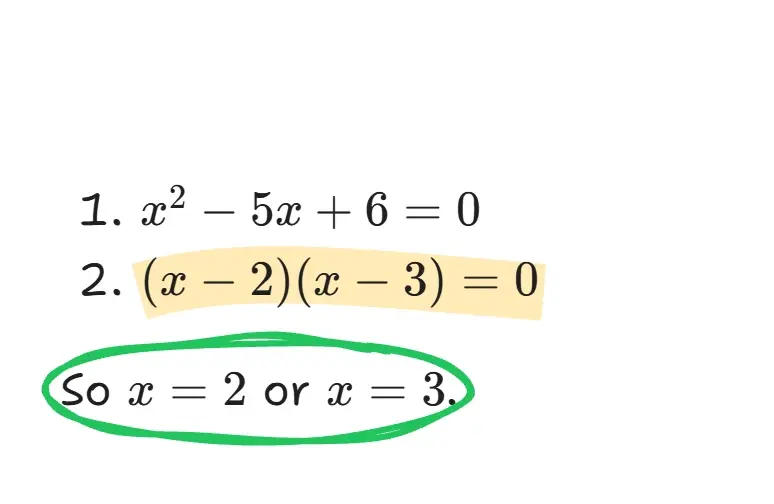
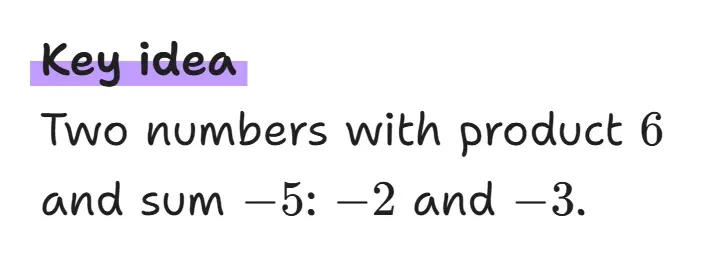
Answer questions, show your work, and get guidance when your reasoning needs another step.
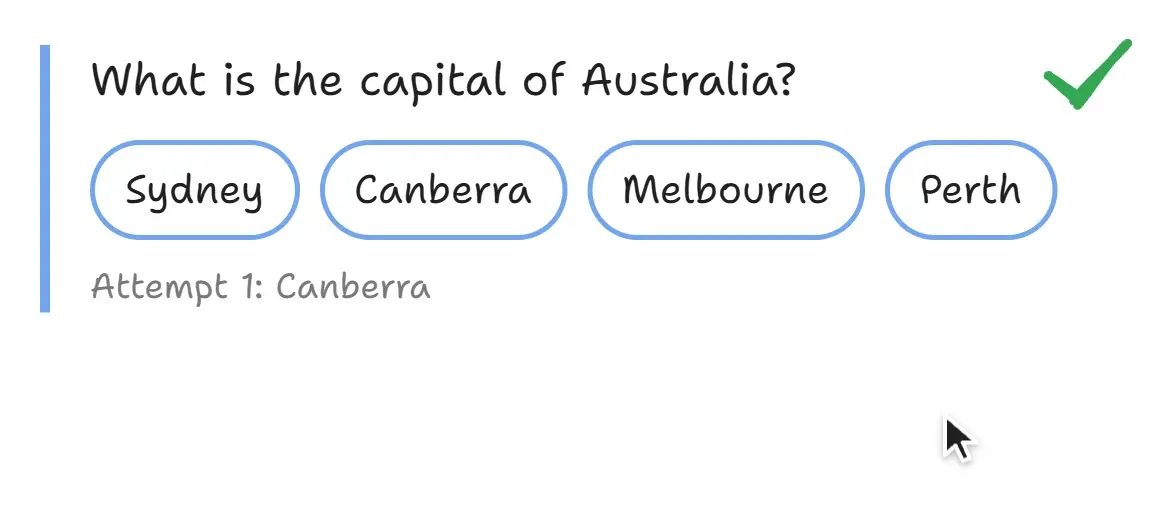
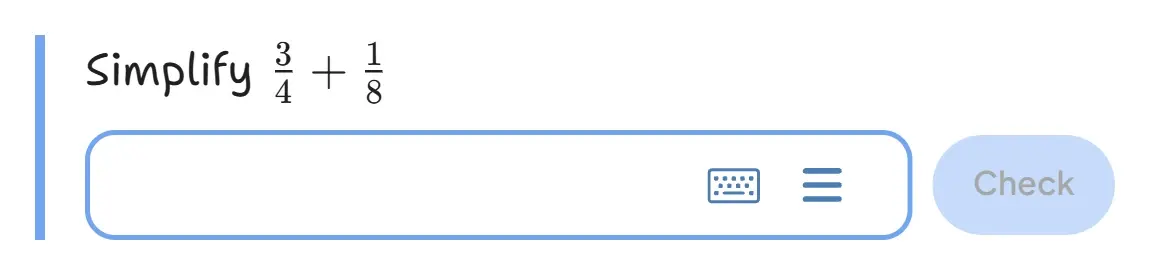
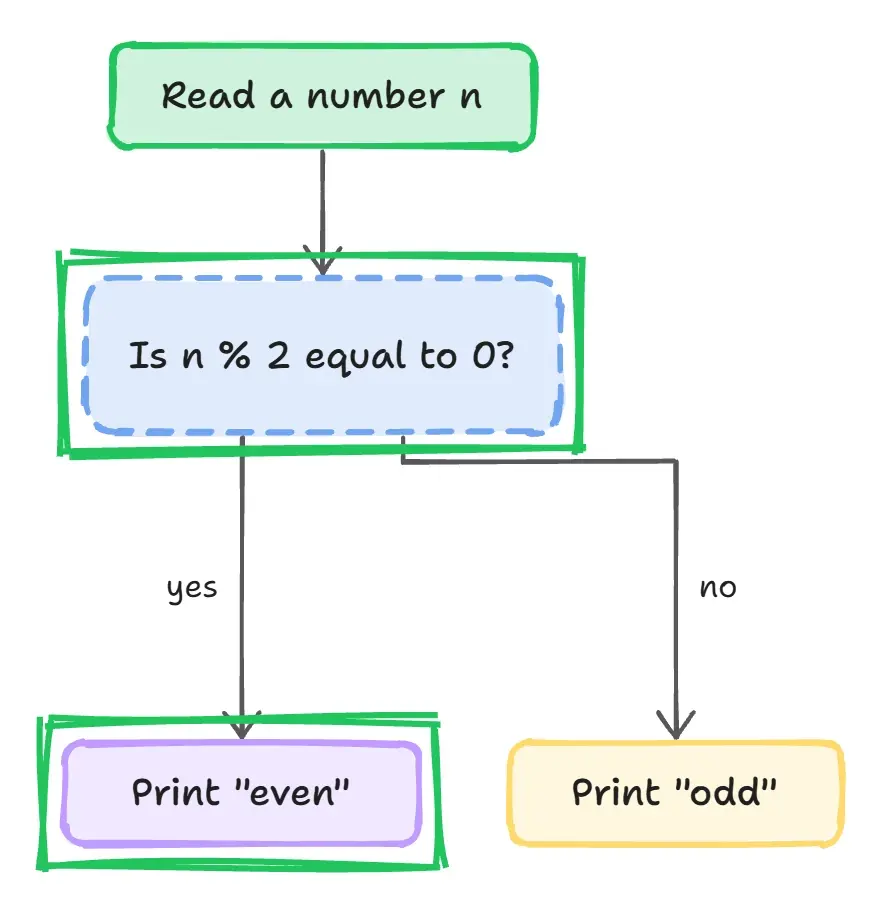
Understand complex ideas with diagrams, maps, timelines, charts, and code examples.

Here is the AI homework helper on one question, 2x + 6 = 14. Polar gives you the next move, you work it out, and the answer you hand in is your own.
Step 1
Type it, say it, or upload a photo of your worksheet. Polar writes 2x + 6 = 14 on the whiteboard and asks what you could do first.
On the whiteboard: 2x + 6 = 14
Step 2
Not sure? Polar gives you a hint, not the answer: "Take 6 from both sides." It writes 2x = 14 − 6 = and leaves an empty box for you.
On the whiteboard: 2x = 14 − 6 = ?
Step 3
You type 8 in the box. Polar checks it and says "Yes! Now divide by 2." Had you typed a wrong number, it would have explained the mistake and let you try again.
On the whiteboard: 2x = 8
Step 4
You divide by 2, and Polar writes x = 8 ÷ 2 = 4 and circles it in green. The answer is yours, and so is the method for the next question.
On the whiteboard: x = 8 ÷ 2 = 4
Everything you need to know about learning with StudyPolar.
No, and that's on purpose. Polar guides you with questions and explanations instead of simply giving you the answer, so you understand the work and can do the next problem on your own.
Use AI to understand the work, not to copy answers. Polar is built that way: it asks you questions, checks your steps and explains your mistakes, so the answers you hand in are your own.
Yes. Tell Polar your answer, type it on the whiteboard or show your working with the pen, and it checks each step with you. When a step is wrong, it explains the mistake and lets you fix it yourself.
Yes. StudyPolar's AI homework helper explains your question one step at a time on a live whiteboard. After each step it asks you for the next one, so you learn the method instead of copying a finished solution.
Say "I don't get it" and Polar tries a different explanation, with a new example or a drawing on the whiteboard. Still stuck? It gives you an easier question first, then builds back up to yours.
Yes. Upload PDFs, Word documents, PowerPoint slides, or photos of your notes and homework, and Polar teaches from them. On the free plan, it reads the first 10 pages of a longer document.
Homework from most school and university classes: math and the sciences, but also economics, geography, history and computer science. Polar explains each question with the visual it needs, like a graph, a diagram, a timeline or a scientific model.
Yes. Each homework lesson is saved with its conversation and its whiteboard. Find it on your Sessions page to go over the steps again before a test, or to finish a question you left halfway.
Yes. The free Little penguin plan includes a one-time amount of voice time with the AI Tutor, and time by typing every month. Polar Pro gives you more tutor time for longer or more frequent study sessions.
Practice on your phone, or open StudyPolar in your browser for live AI tutoring and interactive whiteboard lessons.